
Welcome!!!
Hi and welcome to my homepage!!! PS2ME is a little project that lets you run those old-school J2ME cellphone games (you know, the ones from your Nokia and Sony Ericsson) right on your PlayStation 2 console. It's built on top of the open-source phoneME Feature virtual machine and the PS2 SDK. Cool huh?? Look around and grab the download below! :-)
Getting started
- Download
PS2ME-vX.Y.Z.zipfrom the Releases page — it has everything you need (the standalone.elfis only for updating an existing install and has no menu music). - Extract the ZIP onto a FAT32 USB drive so you end up with this layout:
mass:/PS2ME/PS2ME-vX.Y.Z.elf mass:/PS2ME/bgm.adpcm (menu music) mass:/PS2ME/games/*.jar (drop your MIDlets here) - Launch the ELF from a homebrew loader (uLaunchELF / wLaunchELF), or open it in PCSX2.
- Pick a game and press ✕. Have fun!!!
Launcher controls: D-pad move · ✕ launch · ○ back · △ favorite · □ sort · L1/R1 tabs · L2/R2 page · Select options.
Features
- Native launcher — a full-screen 640×448 dashboard with a 4×5 grid of game icons decoded straight from each JAR, plus tabs, an alphabet sidebar, sorting, favorites, and recents.
- Landscape, portrait & multi-screen — per-game orientation and resolution overrides, with 11 screen-size presets, so MIDlets built for any phone display correctly with their aspect ratio preserved.
- Audio — menu music on a hardware SPU2 voice, the Nokia Sound API, and MMAPI MIDI through an offline-built wavetable synth.
- Memory-card saves — MIDlet RecordStore data is saved per game and appears in the console's OSD browser with its own icon and title.
- Quality of life — a friendly loading screen, a debug split view, and an opt-in in-game FPS counter.
- Open source — built on phoneME Feature and the PS2 SDK, released under the GPL‑2.0 license.
Screenshots
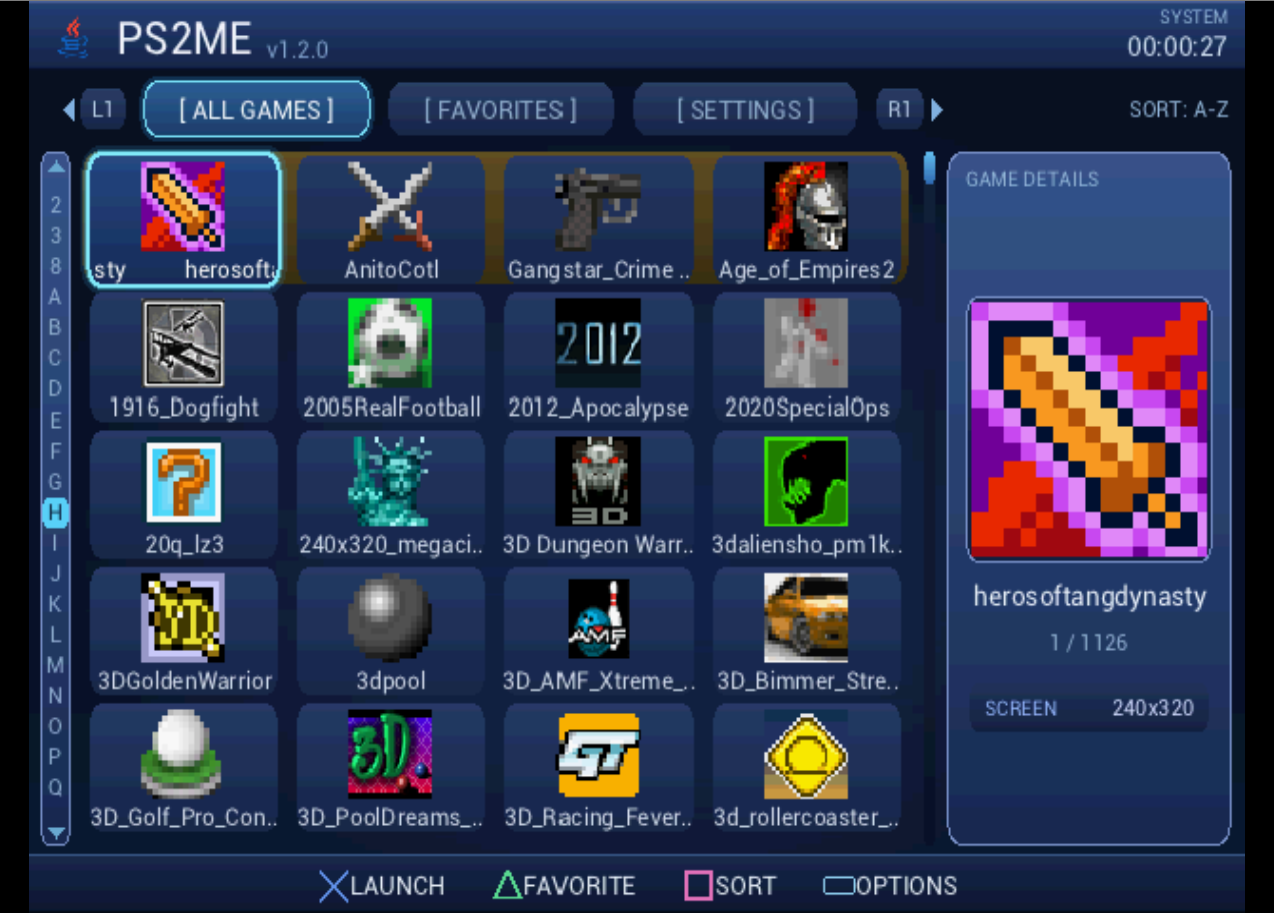
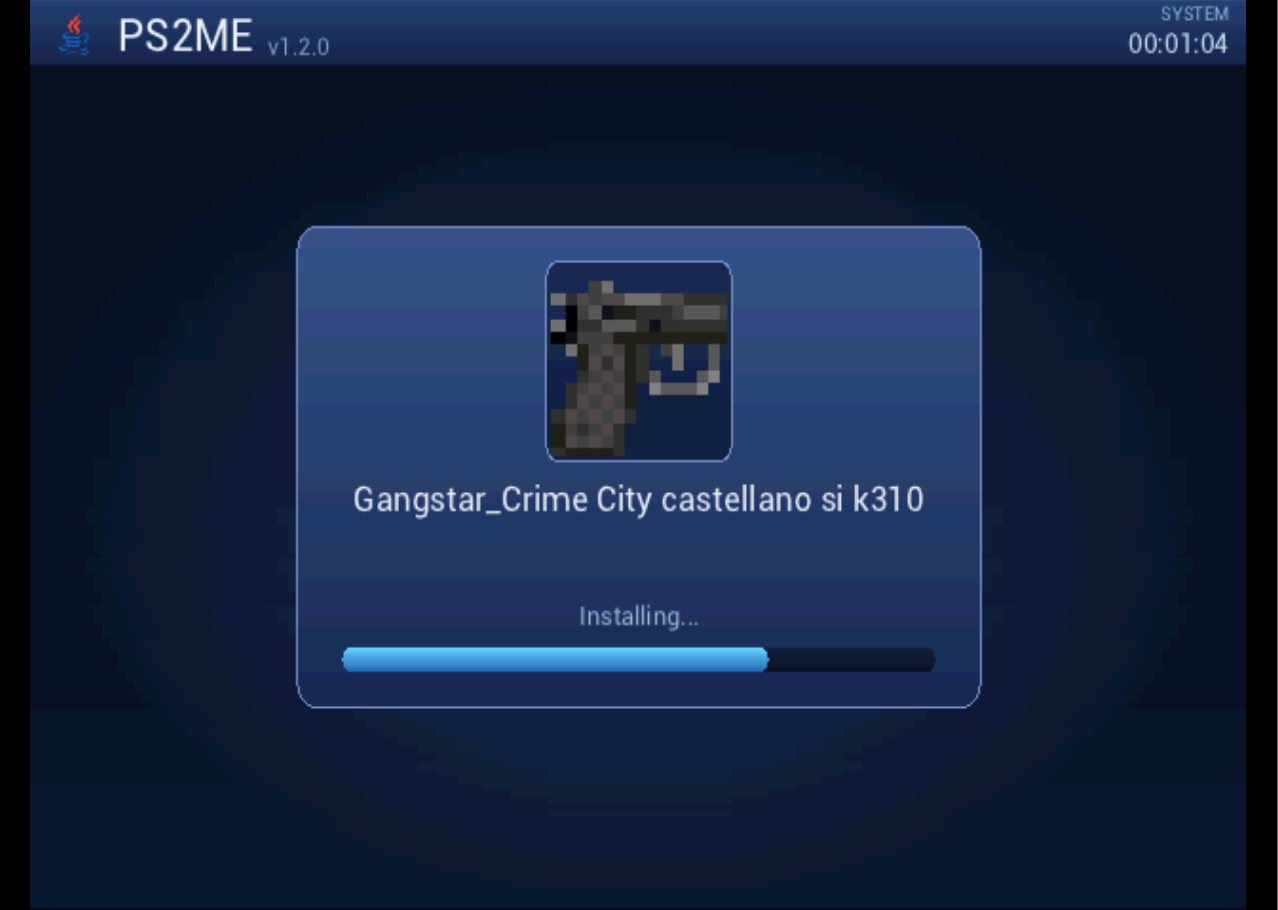
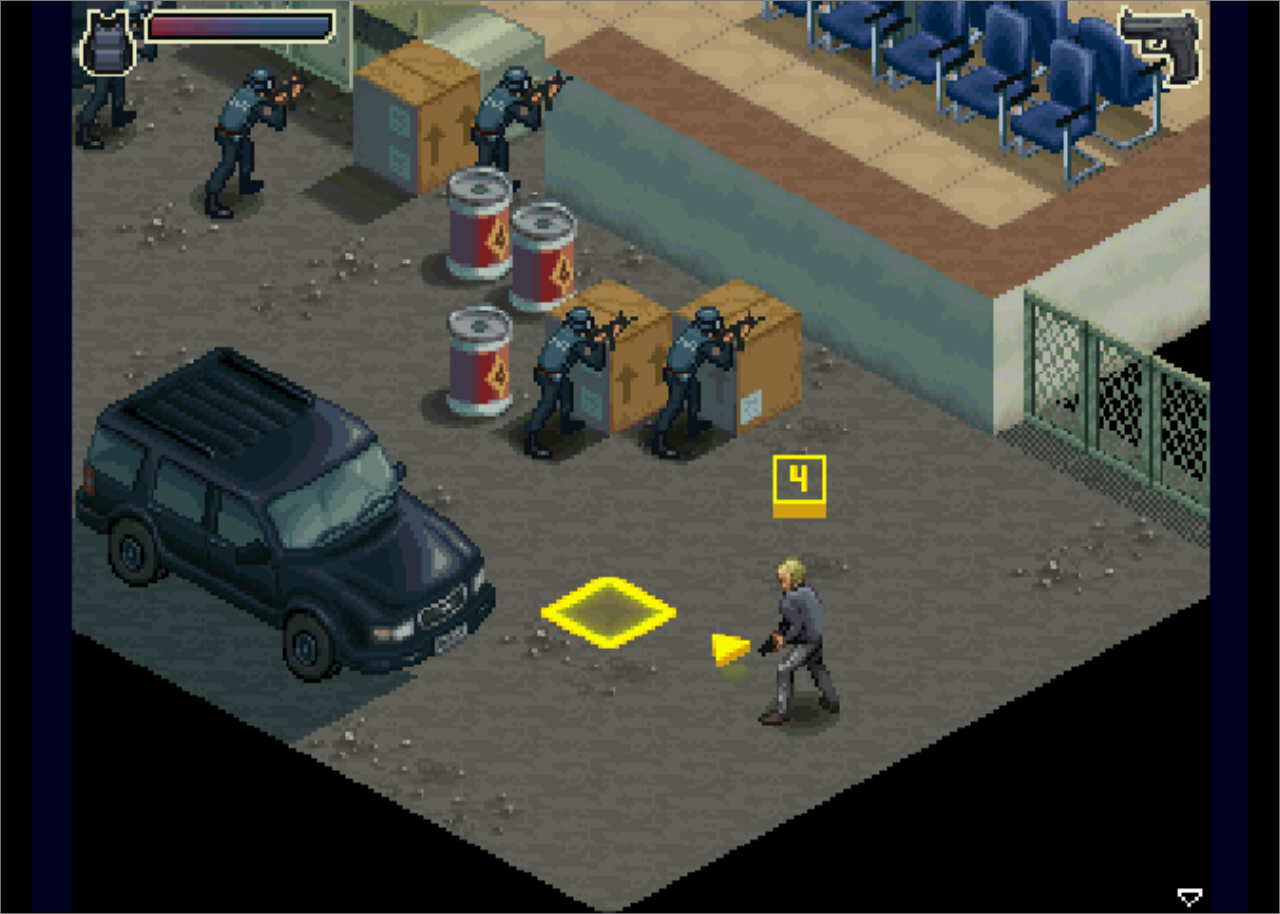
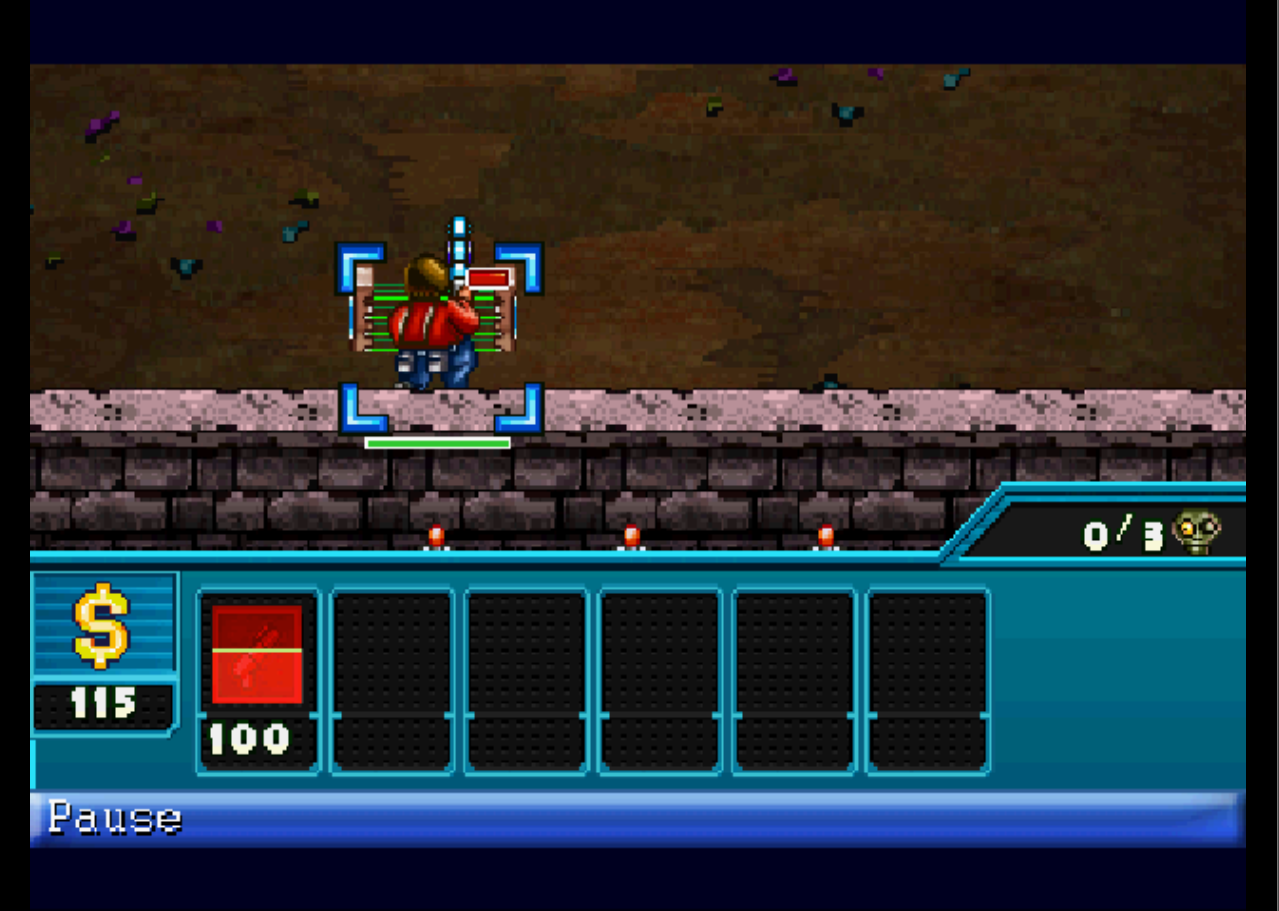

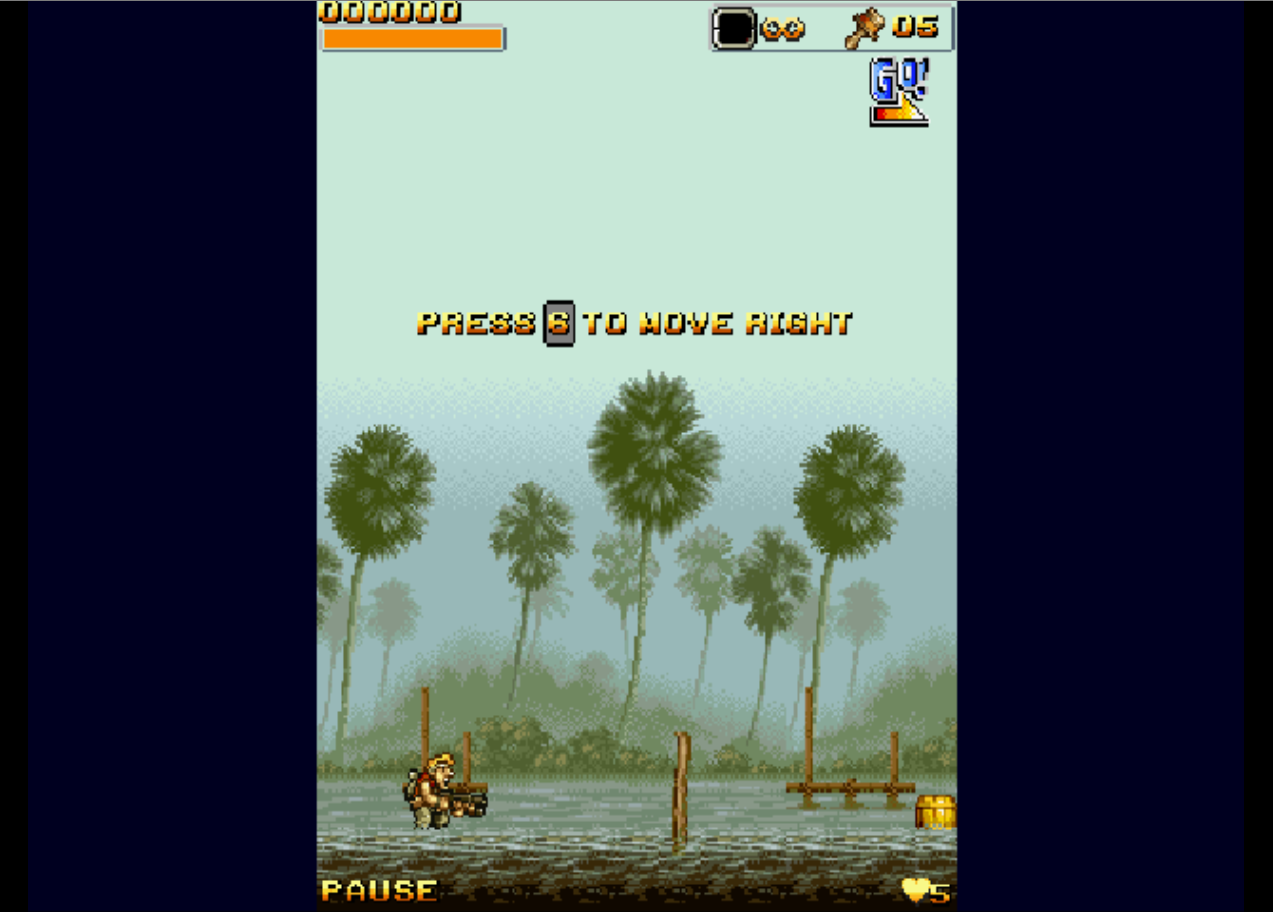
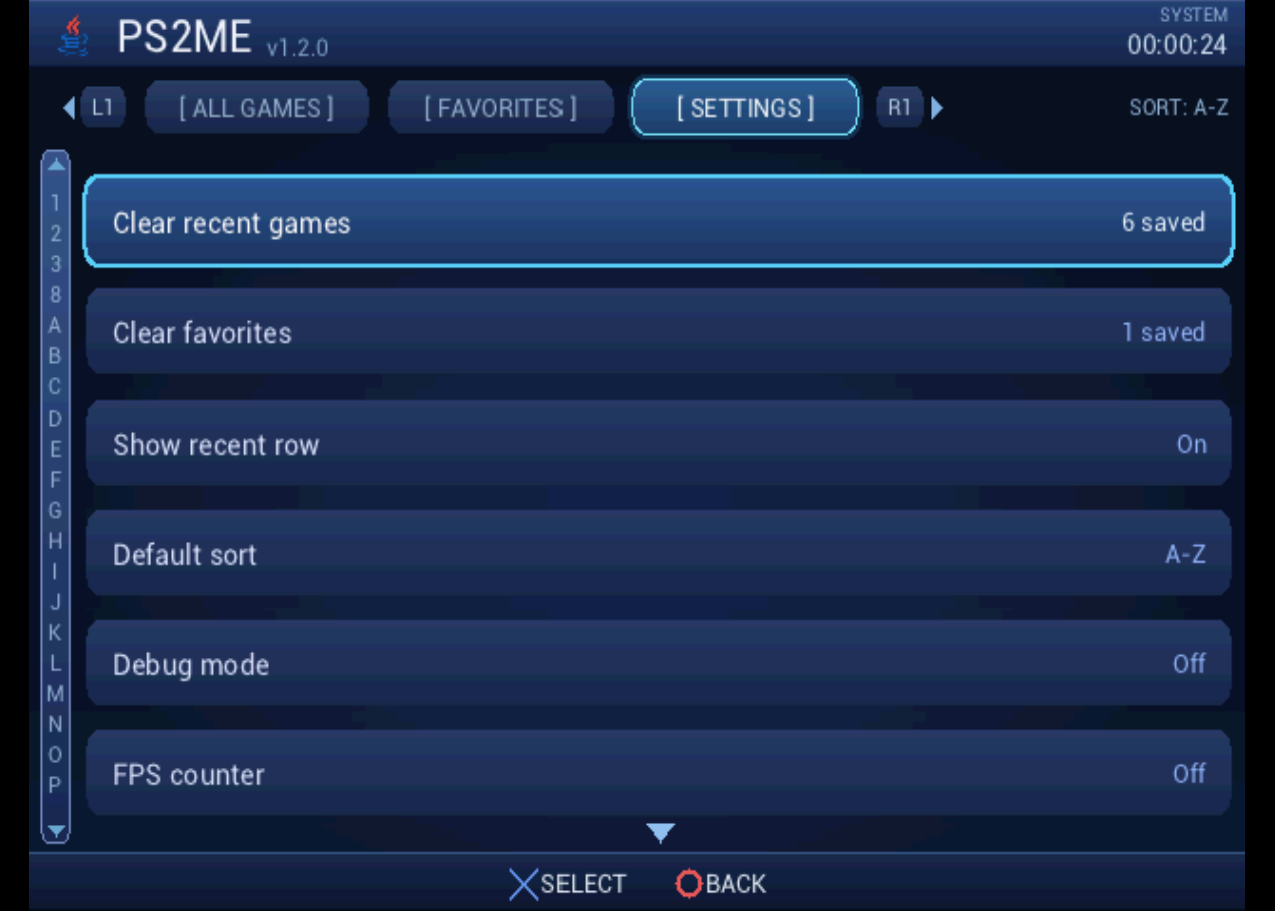
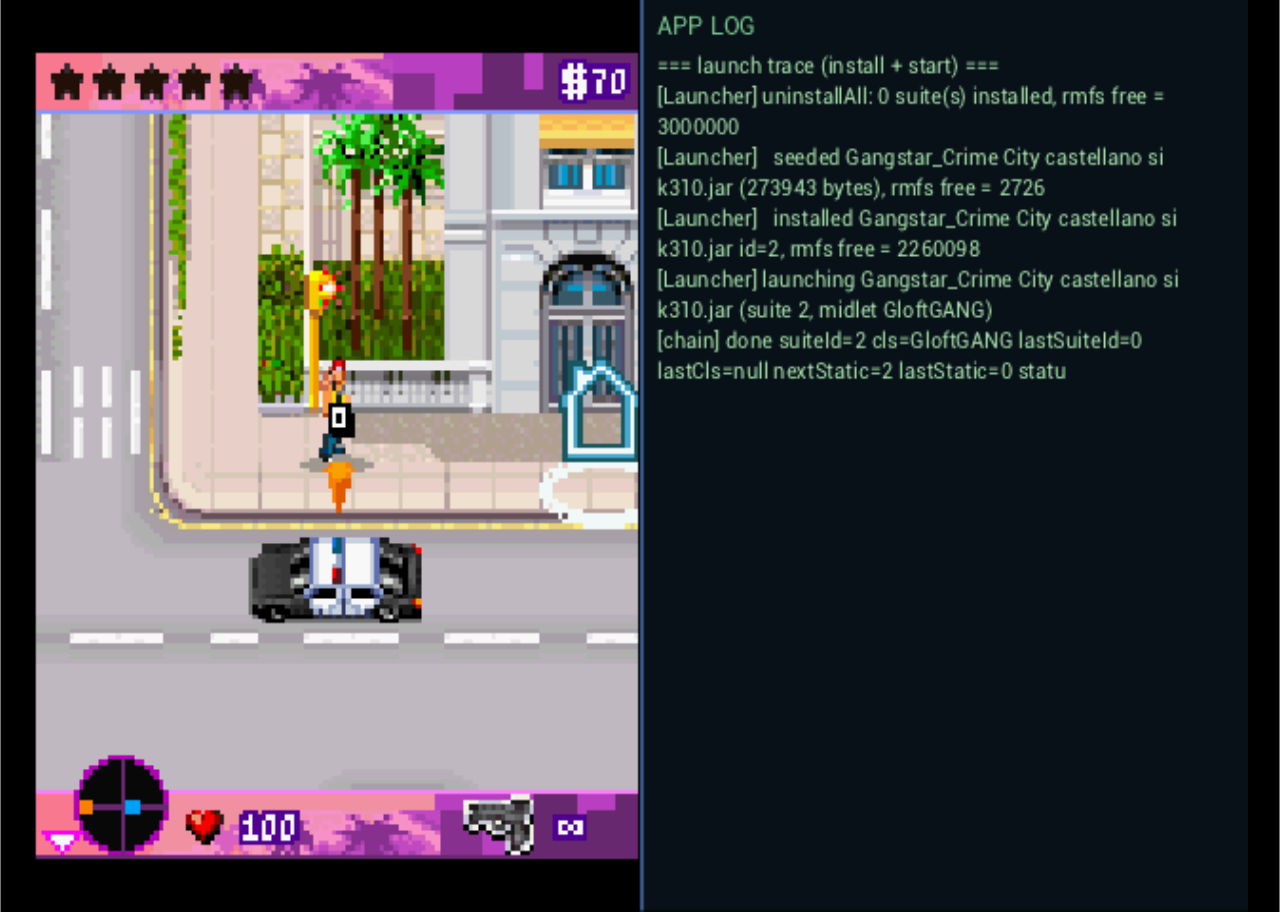
Screenshots captured in the PCSX2 emulator.
Downloads
Get the .zip — it's the complete drop-in
package (the ELF, the bgm.adpcm menu music, and a games/ folder).
The standalone .elf is just the executable, meant for updating an existing
install — on its own it runs but plays no menu music.
Loading releases from GitHub… please wait!
Debug mode
Flip Debug mode on in Settings to turn the launcher into a diagnostics tool — handy on real hardware, where the EE console is not visible:
- Split view while a game runs — the game is scaled on the left and the full application log streams on the right.
- Storage diagnostics — when no games are found, the empty screen lists the device probes and resolved paths.
- FPS counter — an opt-in overlay to check a game’s frame rate.
All of these are off by default, so the everyday experience stays clean.
Build from source
The build runs entirely in Docker (a JDK-8 host image that romizes the class library, plus a PS2 EE cross image that links the ELF). The phoneME source tree and PS2 SDK are external and are not vendored, so builds are produced locally.
docker run --rm -v "$(pwd)":/work -v phoneme_build:/build \
  phoneme-cross bash /work/docker/phoneme-cross/build-release-ps2.sh
See the README for details.